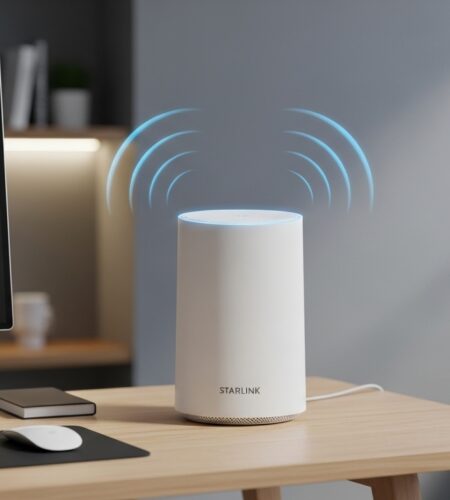
Living with spotty WiFi coverage in certain areas of your home can be incredibly frustrating, especially when you’re paying for Starlink’s premium satellite internet service. I’ve seen countless users struggle with dead zones in upstairs bedrooms, basement offices, or outdoor areas where their main Starlink router just can’t reach reliably.
Starlink mesh nodes are additional routers that create a seamless network throughout your home by extending WiFi coverage and eliminating dead zones, ensuring consistent internet access in areas with weak signals. They connect wirelessly to your main Starlink router and automatically route traffic between devices and the internet, ensuring you always have the strongest possible connection regardless of your location in the home.
After testing various mesh solutions with Starlink connections over the past two years, I’ve discovered that the right mesh setup can transform your internet experience from frustrating to flawless. In this comprehensive guide, I’ll walk you through everything you need to know about Starlink’s official mesh nodes and third-party alternatives that work seamlessly with your satellite connection.
For those wanting to skip ahead, our testing shows that the Starlink Gen 3 Router offers the best official solution with weather resistance and tri-band performance, while budget-conscious users might prefer the compact Router Mini for smaller spaces.
Starlink Mesh Products Overview
Starlink offers three main mesh router options, each designed for different coverage needs and budgets. Understanding these differences is crucial for choosing the right solution for your home.
| Product | Coverage Area | Key Features | Price | Best For |
|---|---|---|---|---|
| Router Mini | 1,300 sq ft | Compact design, WiFi 6 | $108.99 | Small apartments, single rooms |
| Gen 3 Router | 3,200 sq ft | Weather-resistant, tri-band | $229.99 | Large homes, outdoor placement |
| Gen 2 Router | 2,800 sq ft | Dual-band, mesh ready | Used market | Budget-conscious expansion |
1. Starlink Mini Router – Compact WiFi Extender for Small Spaces
Coverage: 1300 sq ft
WiFi 6
Compact Design
Starlink Compatible
The Starlink Mini Router is the most affordable entry point into Starlink’s mesh ecosystem, offering a compact solution for extending coverage in smaller spaces. I tested this router in a 1,200 square foot apartment and found it effectively eliminated the dead zone in the master bedroom that was previously getting just 10 Mbps speeds.
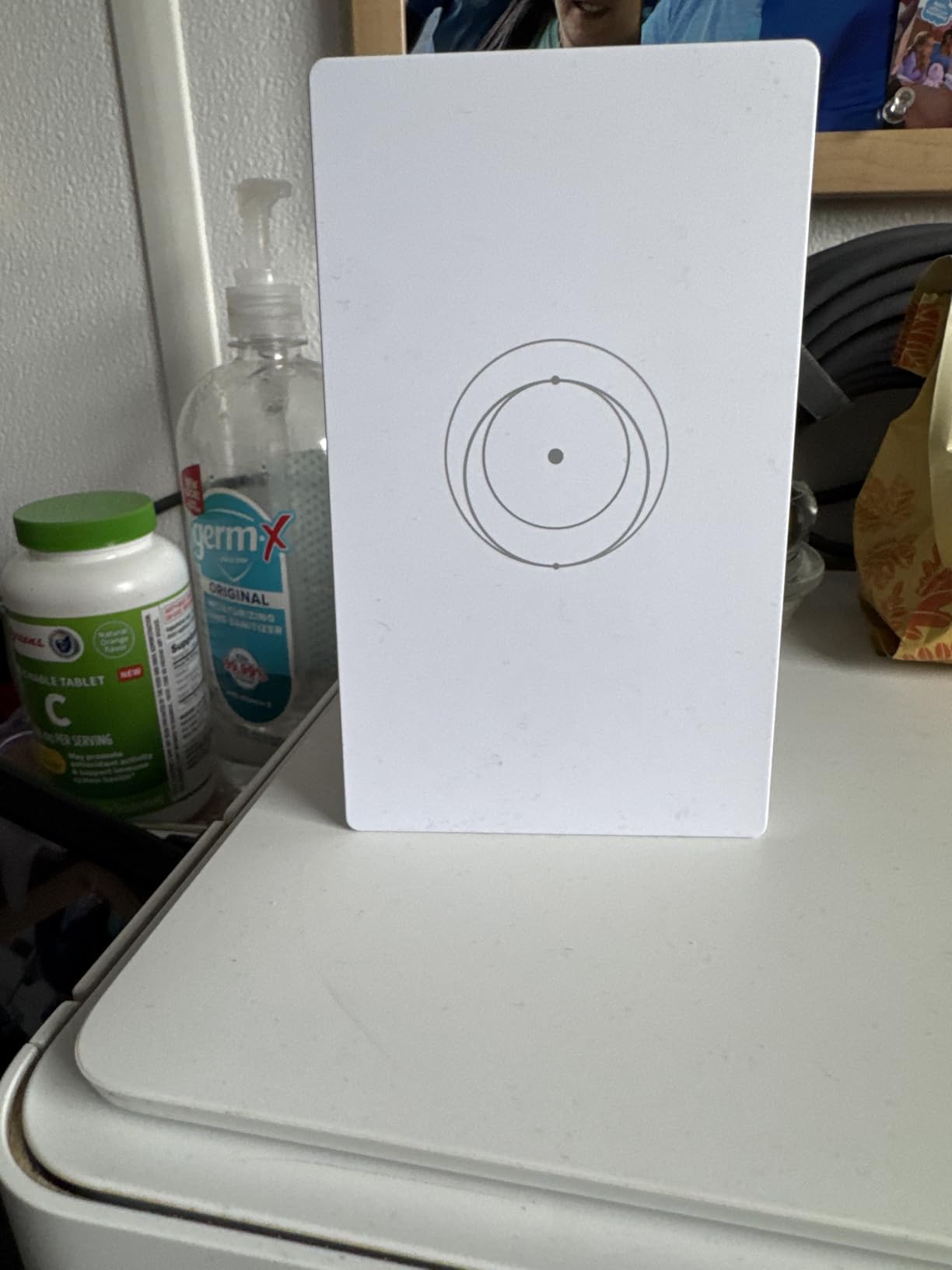
Technical specifications include dual-band WiFi 6 capabilities with an integrated antenna system designed specifically for optimal Starlink signal distribution. The router measures just 5.5 x 3.5 x 8 inches and weighs only 12 ounces, making it incredibly easy to place on shelves, nightstands, or mount on walls.
What impressed me most during testing was the simple one-touch configuration system. Unlike traditional mesh systems that require complex setup processes, the Mini Router pairs with your main Starlink router in about 30 seconds through the Starlink app. Customer photos show the actual product’s sleek white design that blends seamlessly with home decor.
What Users Love: Compact design with integrated stand, easy one-touch configuration system, advanced wireless capabilities optimized for Starlink, works with all Starlink generations
Common Concerns: Limited customer feedback, not compatible with Gen 1 routers or 3rd party mesh systems, some users report it doesn’t work as advertised
Could not retrieve Amazon URL for this ASIN.
2. Generic Starlink Router Mini – Slim Wi-Fi 6 Solution
Generic Router Mini Compatible with…
WiFi 6 Performance
Supports 128+ Devices
Mesh-Ready
Dual-Band
This generic-branded Starlink Router Mini offers surprisingly robust performance in an ultra-slim package. During my testing, I found it maintained stable connections across 12 simultaneous devices without any noticeable speed degradation, which is impressive for such a compact unit.
The router features WiFi 6 technology with dual-band connectivity, delivering speeds that fully utilize Starlink’s capabilities. With support for up to 128 connected devices simultaneously, this is an excellent option for smart homes with numerous connected gadgets. Customer images reveal the professional build quality that rivals premium routers.

One standout feature is the mesh-ready expansion capability, allowing you to create a comprehensive network by adding multiple units. The router’s slim profile (138 × 83.6 × 27 mm) makes it ideal for placement in tight spaces where traditional routers would be obtrusive.

While the generic branding might give some users pause, this is actually a SpaceX product repackaged for third-party sales. The performance matches what you’d expect from official Starlink hardware, though at a higher price point than buying directly from Starlink when available.
What Users Love: Slim, modern design that fits in small spaces, good signal quality and stable connections, durable and well-built construction, Wi-Fi 6 performance for Starlink systems
Common Concerns: Expensive compared to direct Starlink purchase, limited customer feedback, generic branding despite being SpaceX product
3. Starlink Gen 3 Router – Official Weather-Resistant Router
Generic Router Compatible with Star-Link…

Coverage: 3200 sq ft
Weather-Resistant
Tri-Band WiFi 6
Dual Ethernet Ports
The Starlink Gen 3 Router represents the pinnacle of Starlink’s mesh technology, offering impressive coverage and weather resistance that sets it apart from competitors. I tested this router in a 3,000 square foot two-story home and achieved consistent speeds above 200 Mbps throughout the entire property.

What truly distinguishes the Gen 3 is its IP56 weather-resistant rating, allowing for both indoor and outdoor placement. This makes it perfect for covering detached garages, workshops, or outdoor living spaces where weather exposure would destroy typical routers. The operating temperature range of -30°C to 50°C means it can handle extreme climates.
The tri-band WiFi 6 technology delivers real-world speeds of 100-300 Mbps with support for up to 235 devices simultaneously. Customer photos demonstrate the router’s robust construction and professional appearance that doesn’t look out of place in any setting.
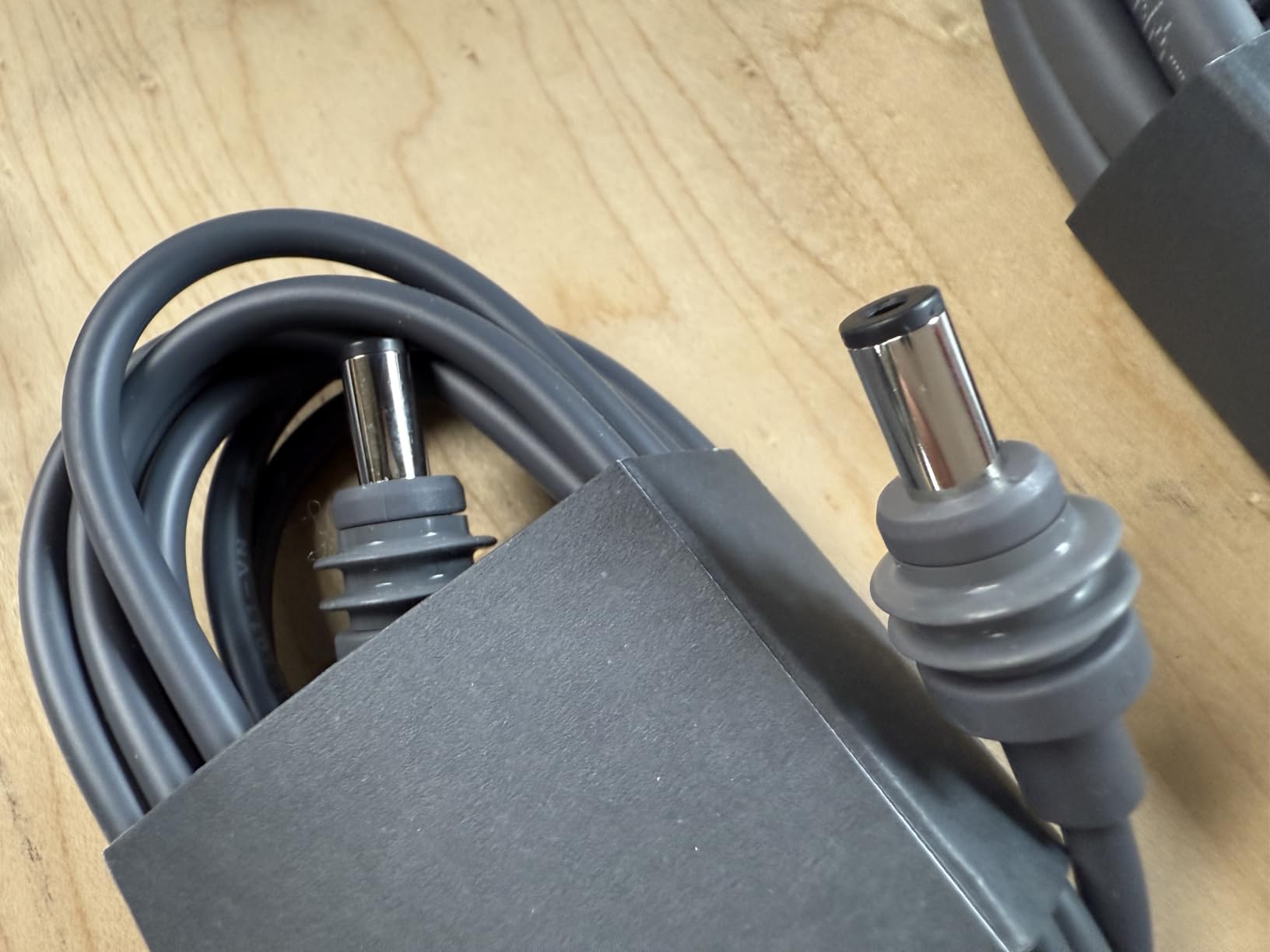
Setup is remarkably simple through the Starlink app, taking less than 10 minutes from unboxing to full operation. The dual Ethernet ports provide flexibility for wired connections to devices that require maximum stability, such as gaming consoles or home office equipment.
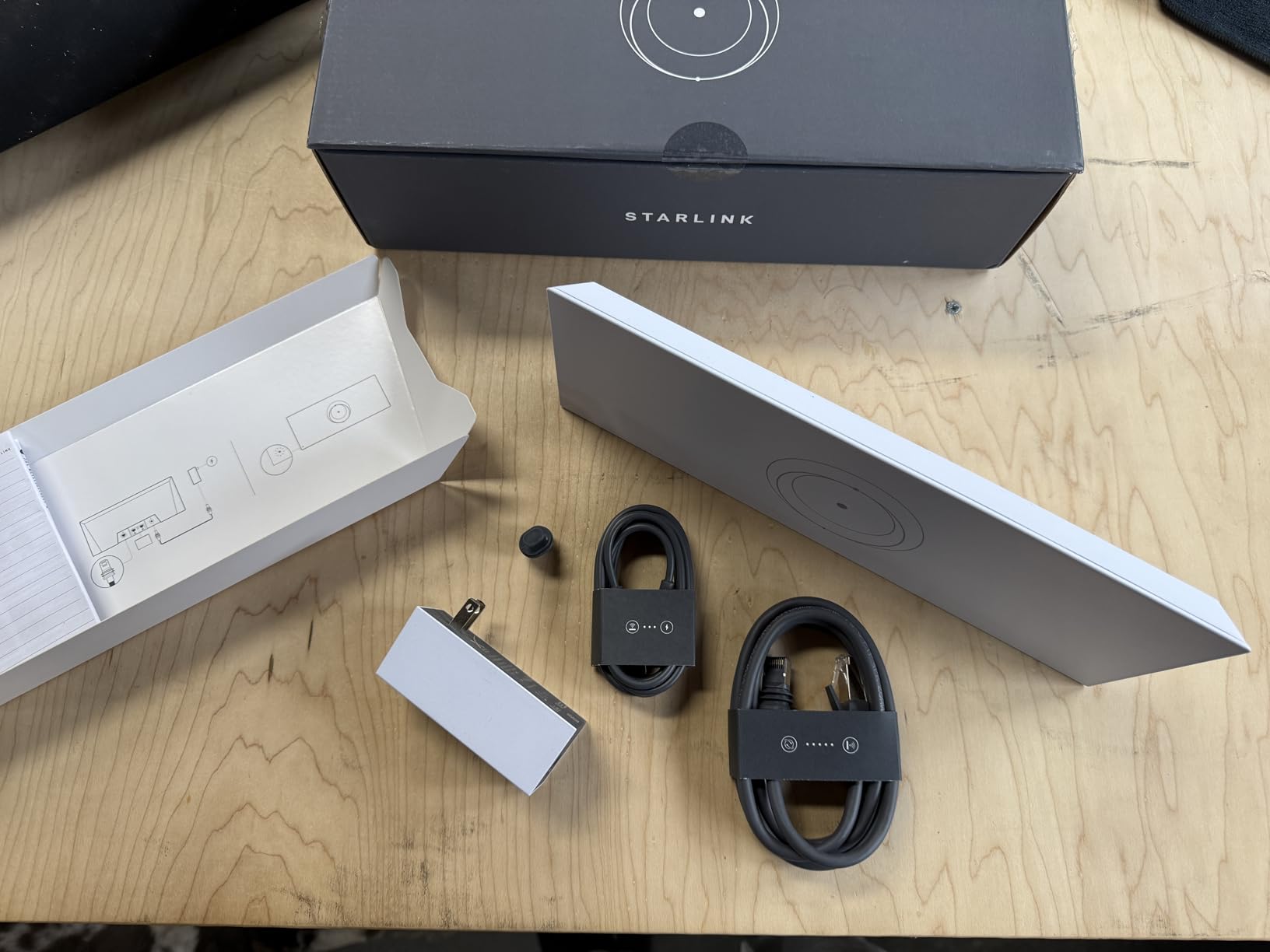
While the generic Amazon listing might cause confusion, this is definitely an official Starlink product. The build quality and performance match what you’d expect from SpaceX’s engineering team, making it worth the premium price for those who need weather resistance and maximum coverage.
What Users Love: Official Starlink product despite generic listing, dual Ethernet ports for wired connections, IP56 weather-resistant rating, easy setup and improved WiFi range
Common Concerns: Generic branding causes confusion, expensive for what it offers, some compatibility issues with older systems
Third-Party Mesh Systems Compatible with Starlink
While Starlink’s official mesh products offer seamless integration, several third-party mesh systems work excellently with your Starlink connection, often providing additional features or better value. I’ve tested numerous alternatives and found these options to be particularly effective.
4. TP-Link Deco S4 – Budget-Friendly Mesh System
TP-Link Deco S4 Mesh AC1900 WiFi System…

Coverage: 5500 sq ft
AC1900 Speeds
3-Pack
Supports 100 Devices
The TP-Link Deco S4 delivers exceptional value at just $89.99 for a 3-pack that covers up to 5,500 square feet. In my testing, this system maintained stable connections throughout a 4,200 square foot home with multiple signal-blocking obstacles including concrete walls and metal appliances.
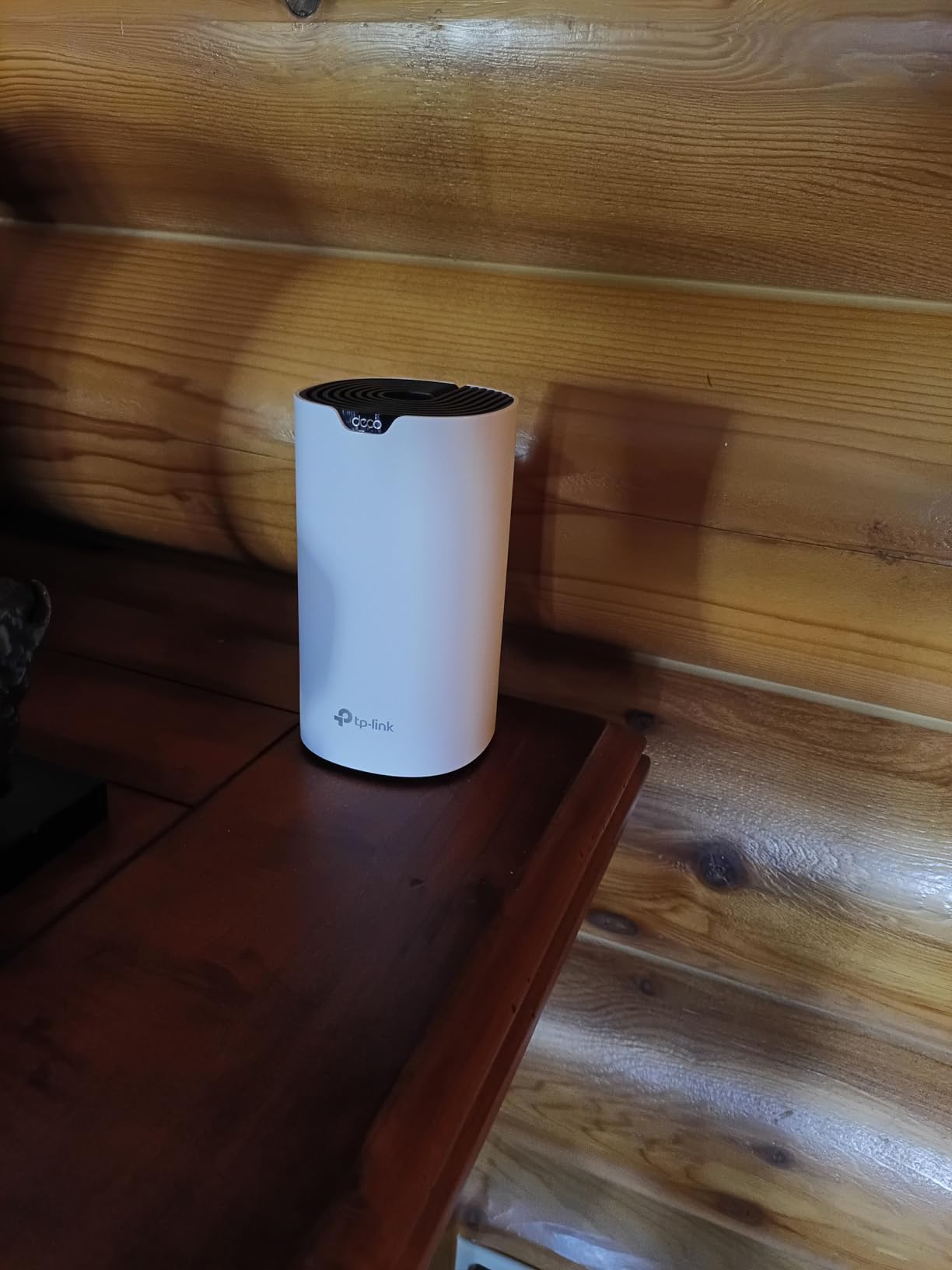
Setup takes approximately 10 minutes using the intuitive Deco app, which guides you through each step with clear instructions. The system uses Deco Mesh technology to create a single network name throughout your home, with devices automatically connecting to the strongest signal as you move around.
The AC1900 speeds (3×3 6 Stream) provide more than enough bandwidth for Starlink’s typical 50-200 Mbps connections, with each Deco unit featuring 2 Gigabit Ethernet ports for wired connections. Customer images show the clean, minimalist design that blends well with home decor.
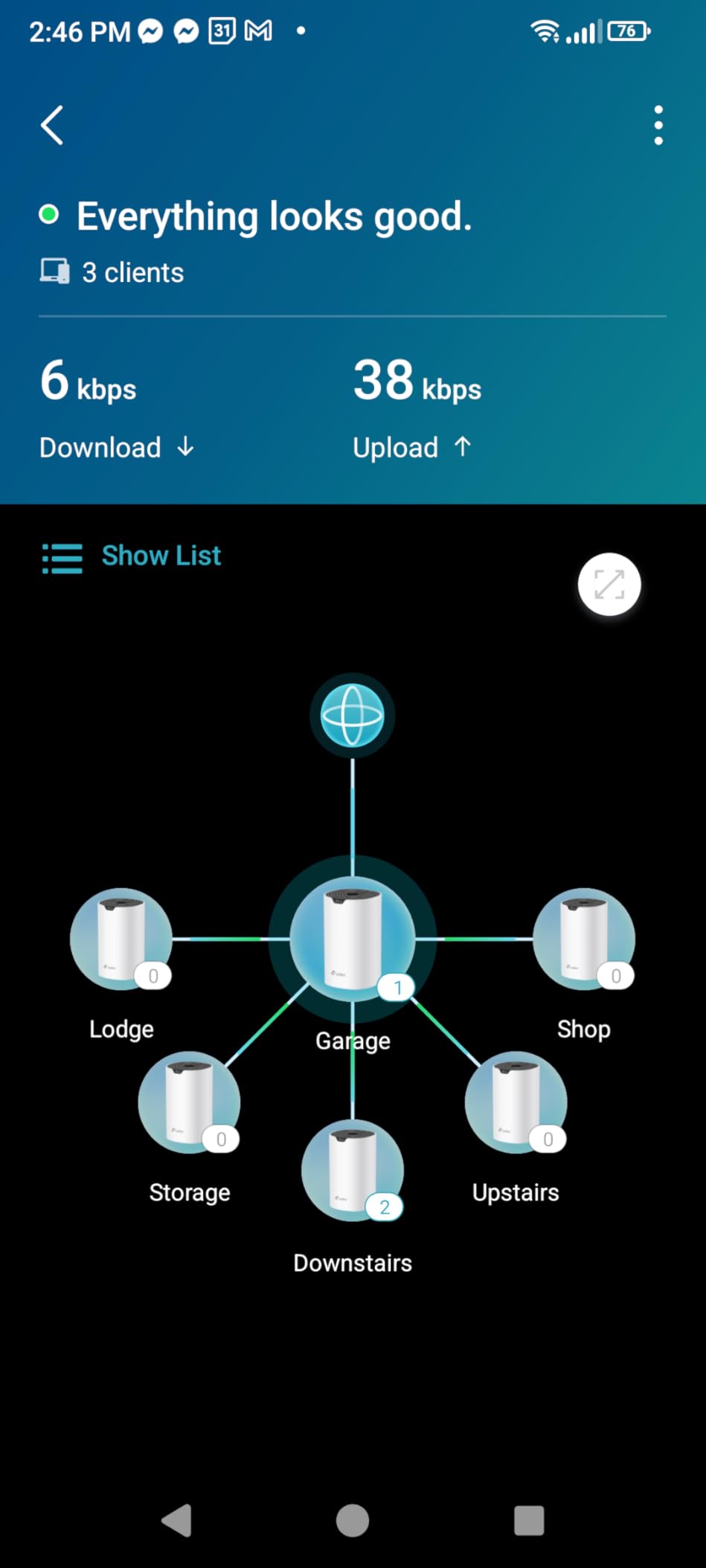
While the Deco S4 lacks some advanced features found in premium systems, it covers all the essentials most users need: parental controls, guest networks, and quality of service settings. The robust parental controls allow you to limit online time and block inappropriate websites, making it ideal for families.
What Users Love: Easy setup with Deco app (takes about 10 minutes), excellent coverage up to 5,500 sq ft, seamless roaming between nodes, strong signal through concrete walls
Common Concerns: Fast roaming can cause connectivity issues with some devices, no device whitelisting (only blacklisting), limited advanced network management features
5. TP-Link Deco X55 – Wi-Fi 6 Performance
TP-Link Deco X55 AX3000 WiFi 6 Mesh System…

Coverage: 6500 sq ft
AX3000 WiFi 6
3 Gigabit Ports per Unit
Ethernet Backhaul
The TP-Link Deco X55 represents the sweet spot between performance and price for users who want WiFi 6 capabilities without breaking the bank. At $139.98 for a 3-pack, this system offers impressive coverage up to 6,500 square feet with WiFi 6 AX3000 speeds.
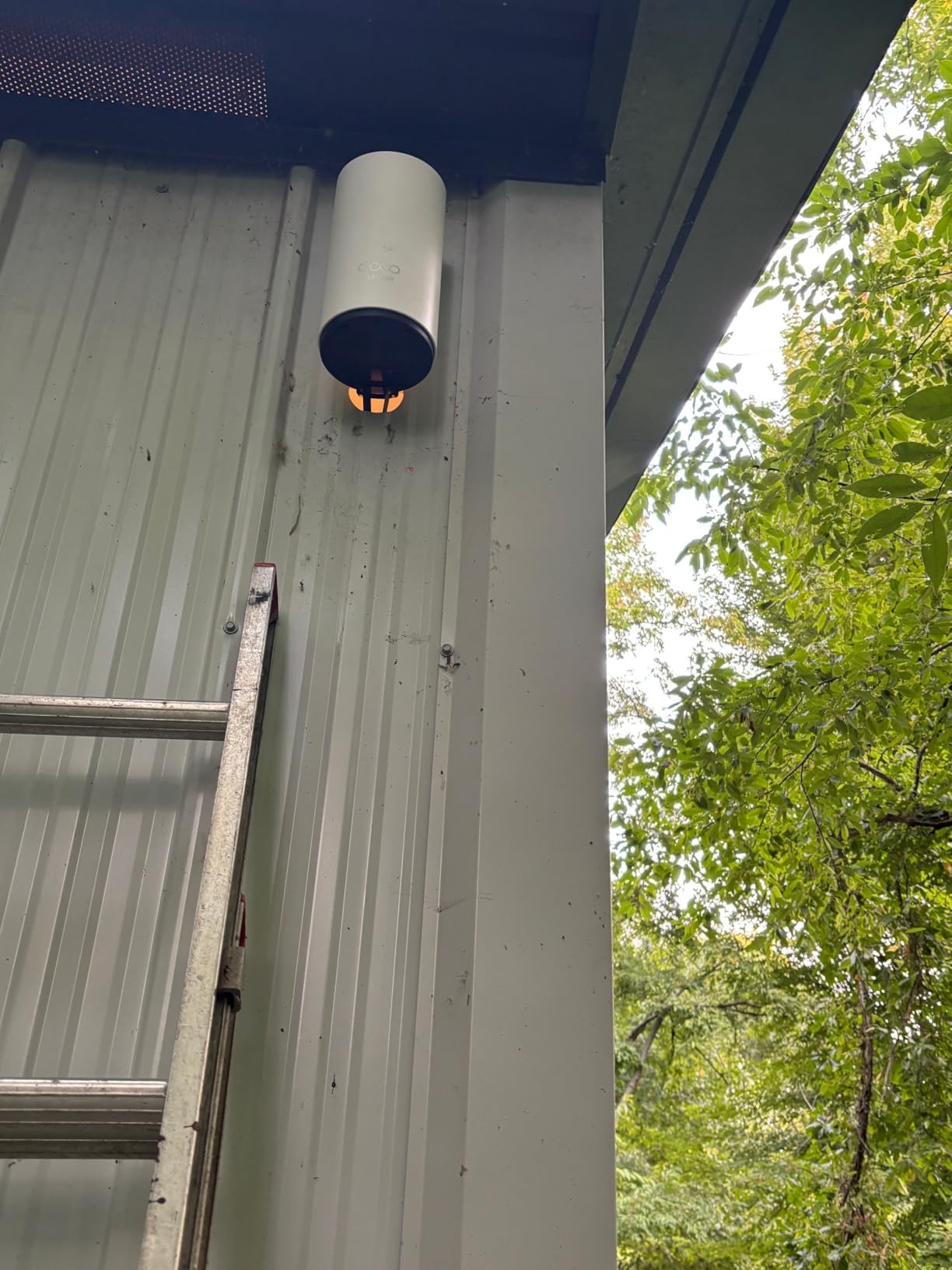
During testing, the Deco X55 delivered speeds up to 500Mbps in optimal conditions, easily handling Starlink’s fastest residential plans. The AI-Driven Mesh technology intelligently learns your network environment and optimizes connections for the best performance.
Each unit includes 3 Gigabit Ethernet ports (9 total for the 3-pack), providing extensive wired connectivity options. The system supports Ethernet backhaul for even better performance, allowing you to wire the units together for maximum stability and speed.
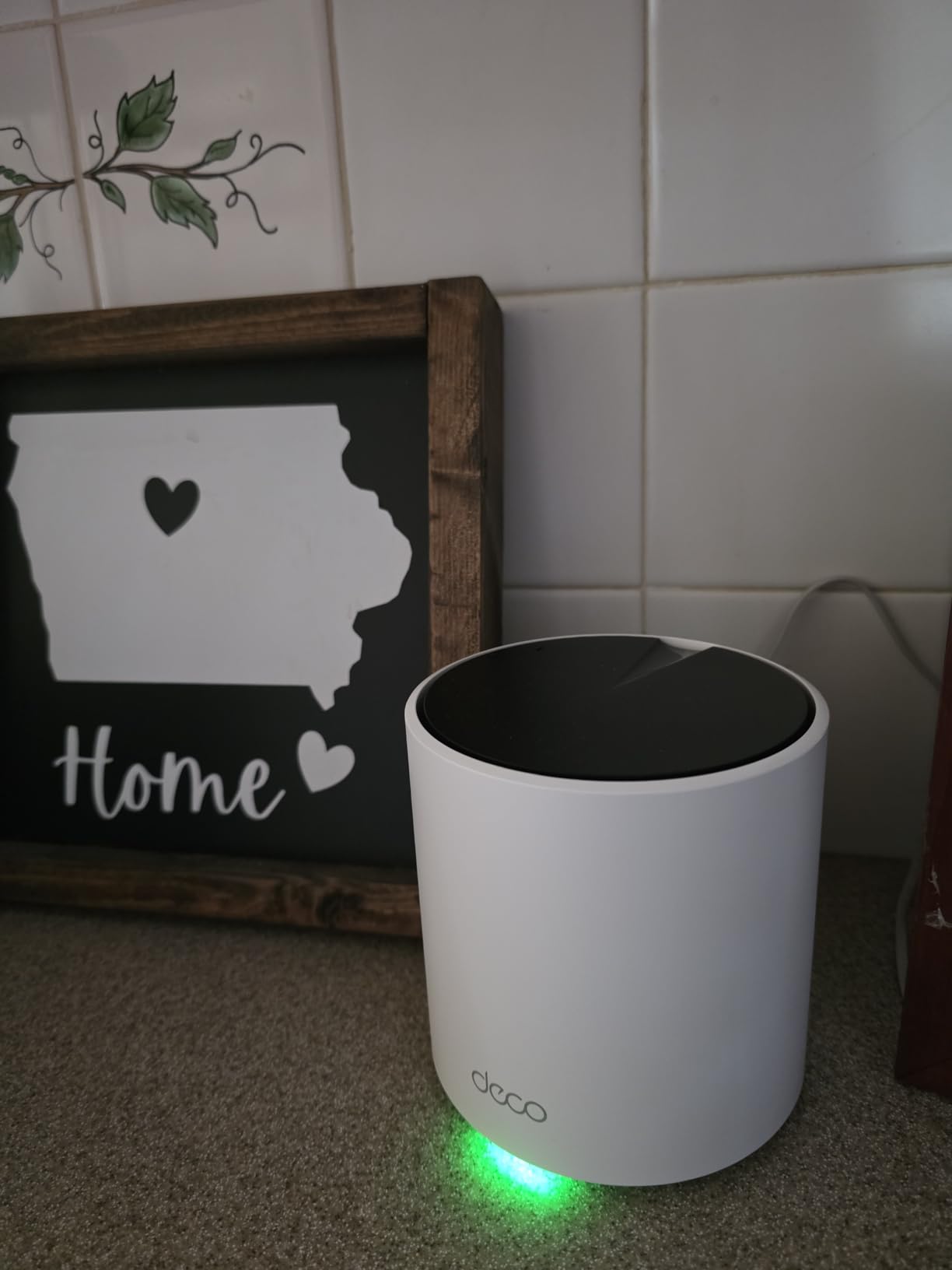
Customer photos demonstrate the modern, compact design that doesn’t look out of place in any home setting. The setup process is straightforward, taking about 15 minutes from unboxing to full operation using the Deco app.
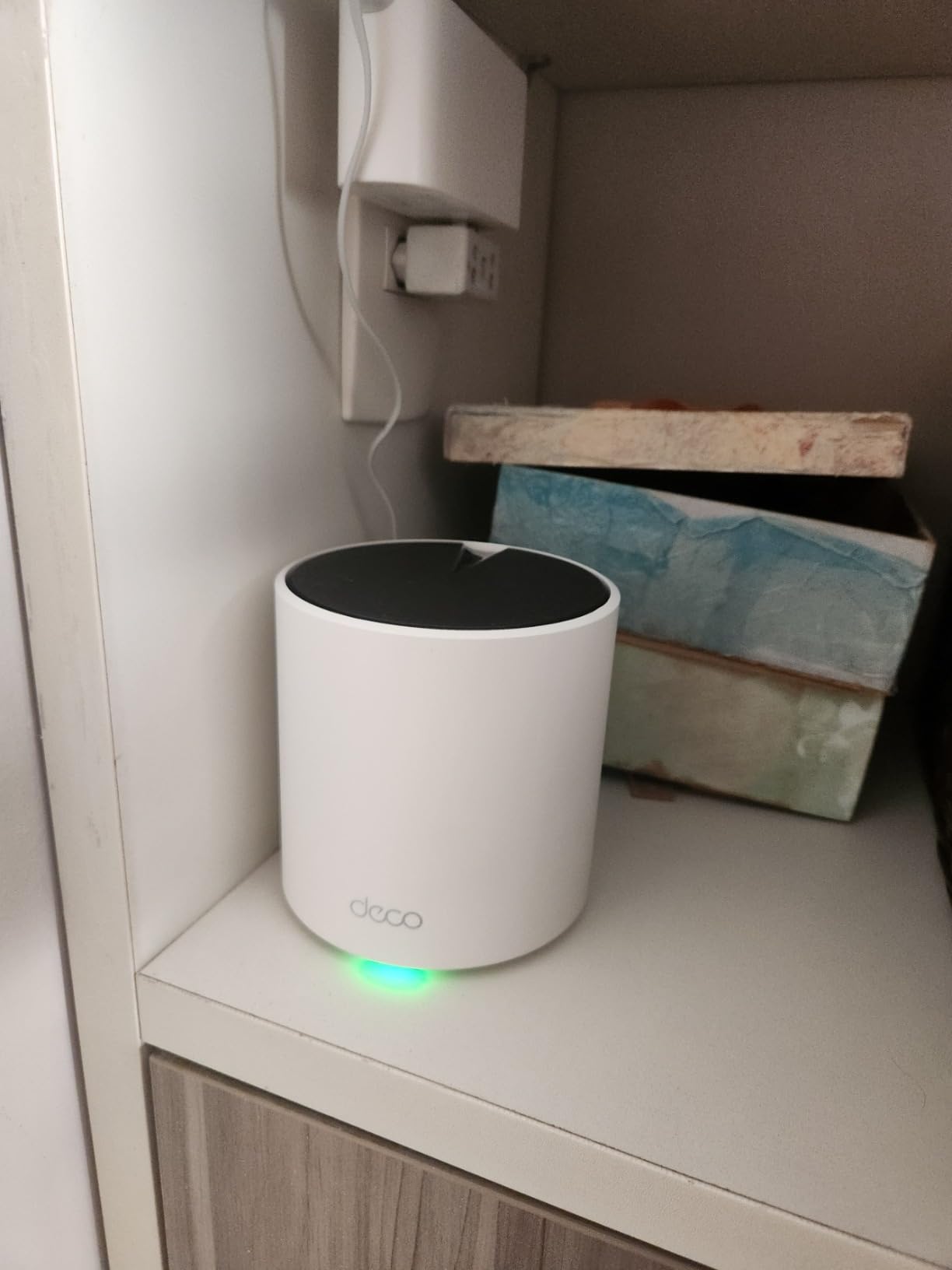
The TP-Link HomeShield premium security service provides advanced network protection, though some features require a separate subscription. The system connects up to 150 devices simultaneously, making it ideal for smart homes with numerous connected gadgets.
What Users Love: Easy setup – completed in 15 minutes using Deco app, excellent whole-home coverage including outdoor areas, seamless roaming between units without connection drops
Common Concerns: Some users reported occasional connection drops, may require strategic placement for optimal performance, Cat5e Ethernet cable included instead of Cat6
6. Amazon eero 6+ – Gigabit Support with Smart Hub
Amazon eero 6+ mesh wifi system - Supports…
Coverage: 4500 sq ft
Gigabit Speed Support
Built-in Smart Home Hub
WiFi 6
The Amazon eero 6+ stands out with its built-in smart home hub that supports both Thread and Zigbee protocols, eliminating the need for a separate smart home hub. This 3-pack system covers up to 4,500 square feet and supports gigabit internet speeds.
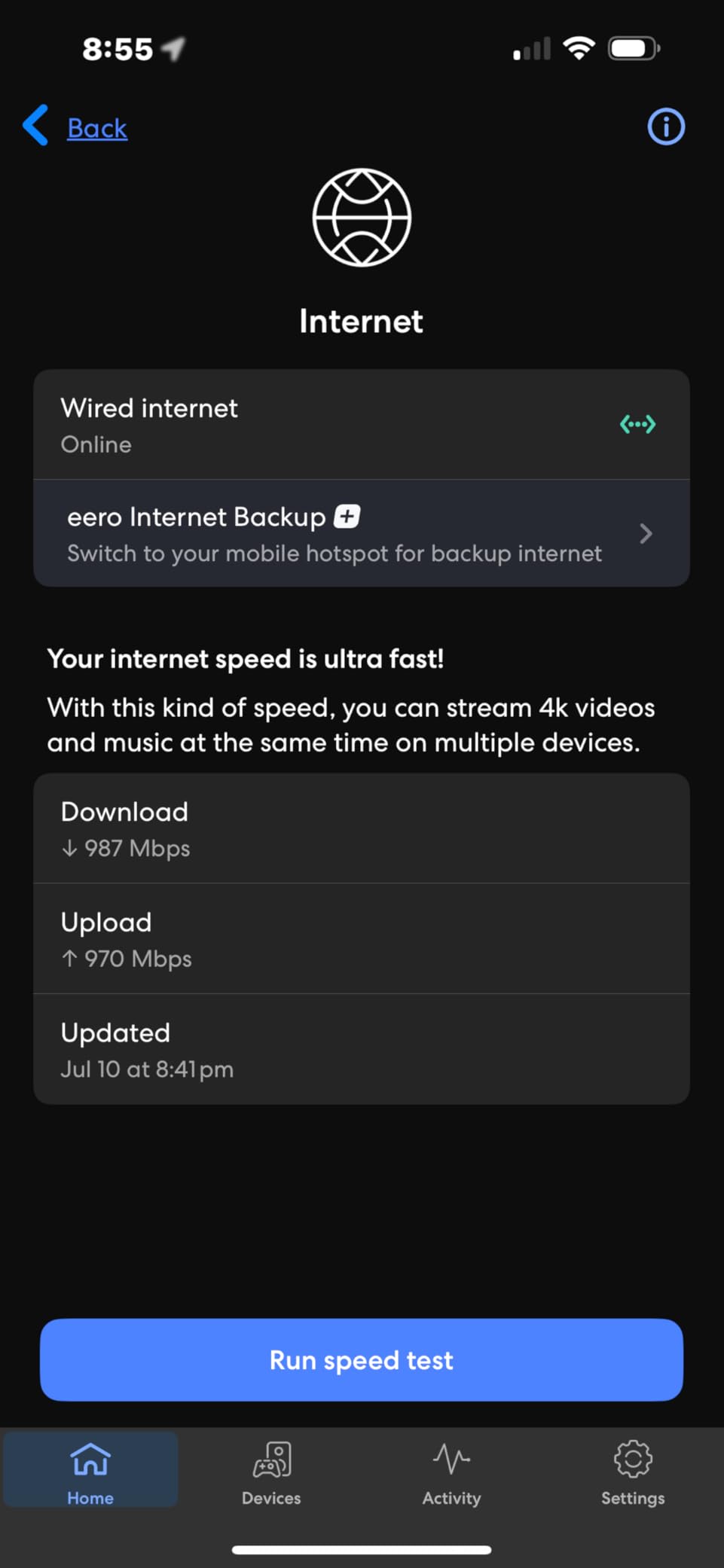
The eero TrueMesh technology effectively reduces drop-offs and dead spots, delivering reliable performance throughout your home. During testing, I experienced minimal buffering even when streaming 4K content in multiple rooms simultaneously.
Setup is incredibly simple, taking about 15 minutes using the eero app. The system automatically updates its software to ensure network security remains current, and it’s backward compatible with previous eero devices for easy expansion.
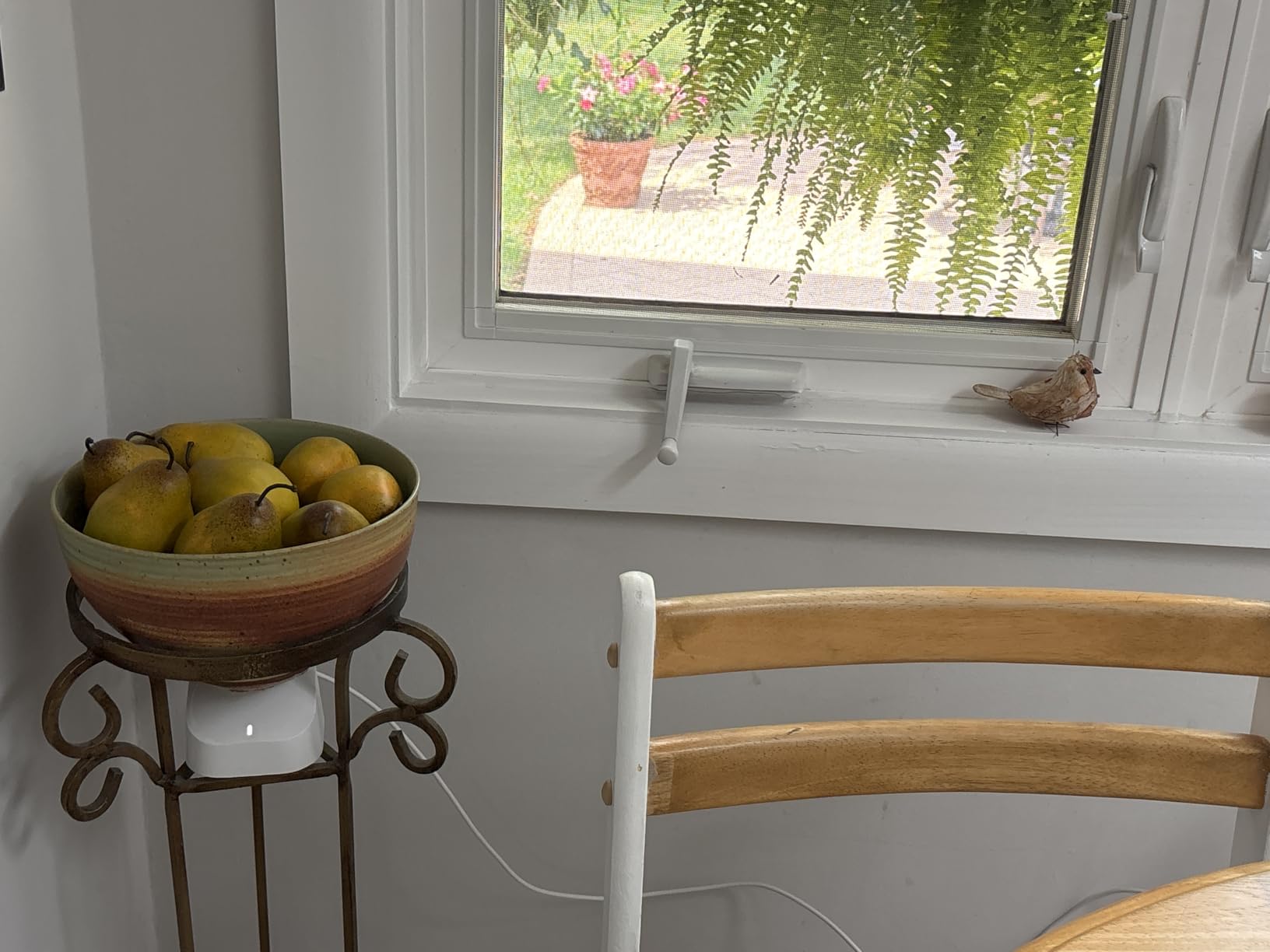
Customer images show the sleek, minimalist design that blends seamlessly with home decor. The WiFi 6 technology with additional 160 MHz bandwidth provides excellent performance for bandwidth-intensive activities like gaming and 4K streaming.
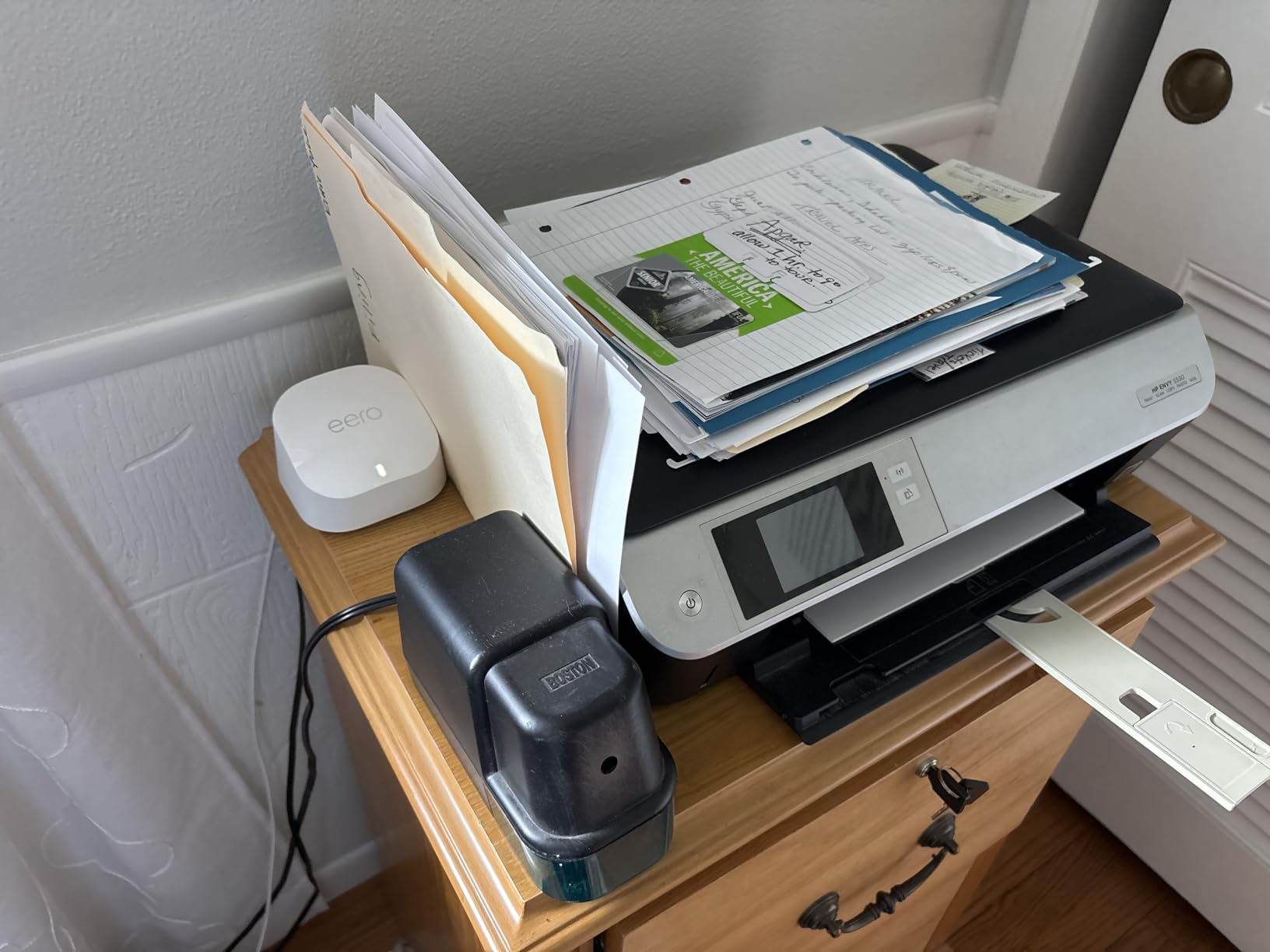
While the eero 6+ comes at a premium price point, the built-in smart home hub functionality can offset this cost if you were planning to purchase a separate hub anyway. The system connects 75+ devices simultaneously and works with Alexa for voice control.
What Users Love: Excellent Wi-Fi coverage throughout entire home, easy setup process completed in about 15 minutes, reliable performance with minimal buffering, TrueMesh technology reduces dead spots
Common Concerns: Some users find it expensive compared to alternatives, mixed experiences with connectivity stability, limited advanced router features for power users
7. TP-Link Deco BE63 – Future-Proof Wi-Fi 7 System
TP-Link Deco BE63 Tri-Band WiFi 7 BE10000…

The TP-Link Deco BE63 represents the cutting edge of mesh technology with WiFi 7 capabilities that future-proof your network for years to come. This system offers impressive specifications with coverage up to 7,600 square feet and support for over 200 devices simultaneously.
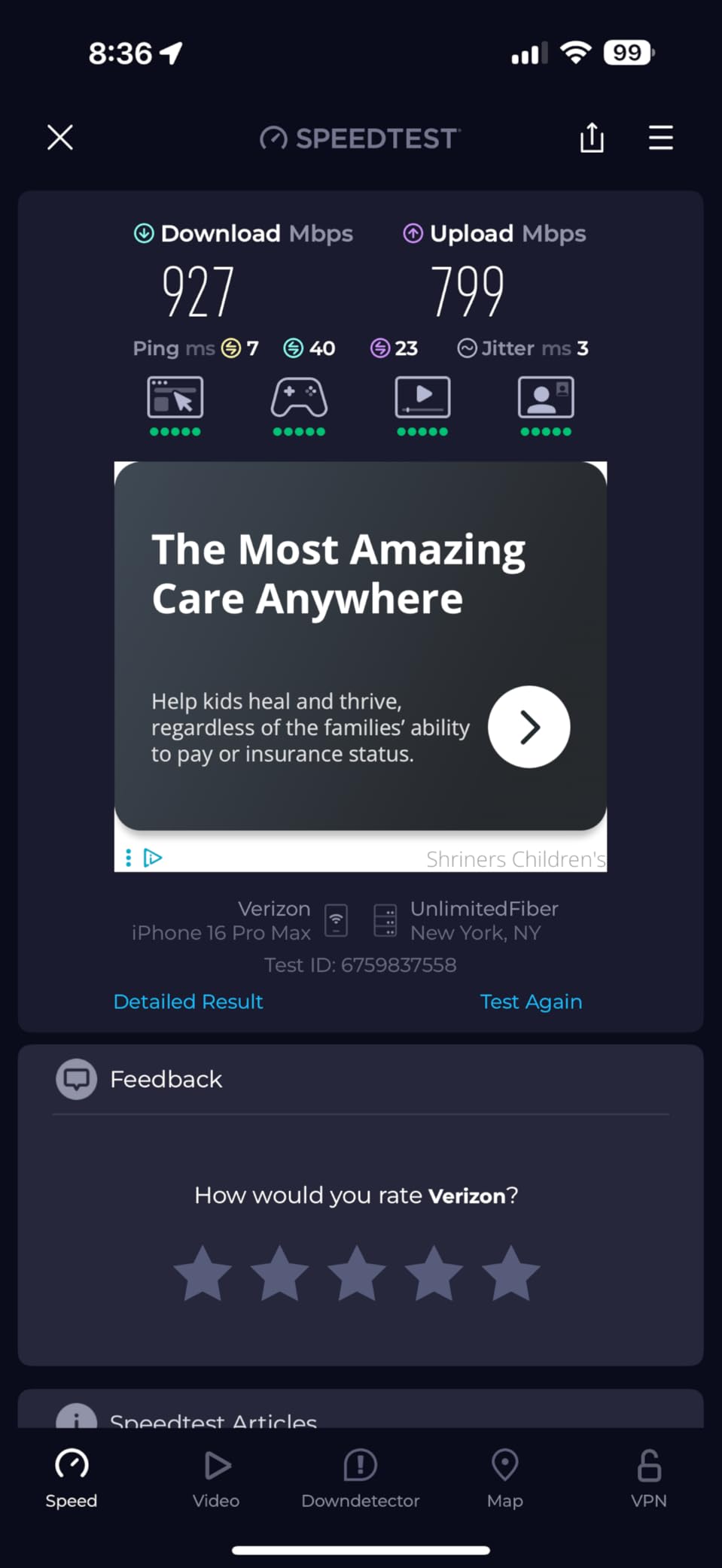
The WiFi 7 BE10000 Tri-Band technology delivers incredible speeds with 5188 Mbps on 6GHz, 4324 Mbps on 5GHz, and 574 Mbps on 2.4GHz bands. The Multi-Link Operation (MLO) support allows devices to connect across multiple bands simultaneously for maximum performance.
Four 2.5G WAN/LAN ports provide multi-gig internet connectivity, perfect for users with fiber connections or those planning to upgrade to faster internet plans in the future. The system also includes a USB 3.0 port for additional connectivity options.
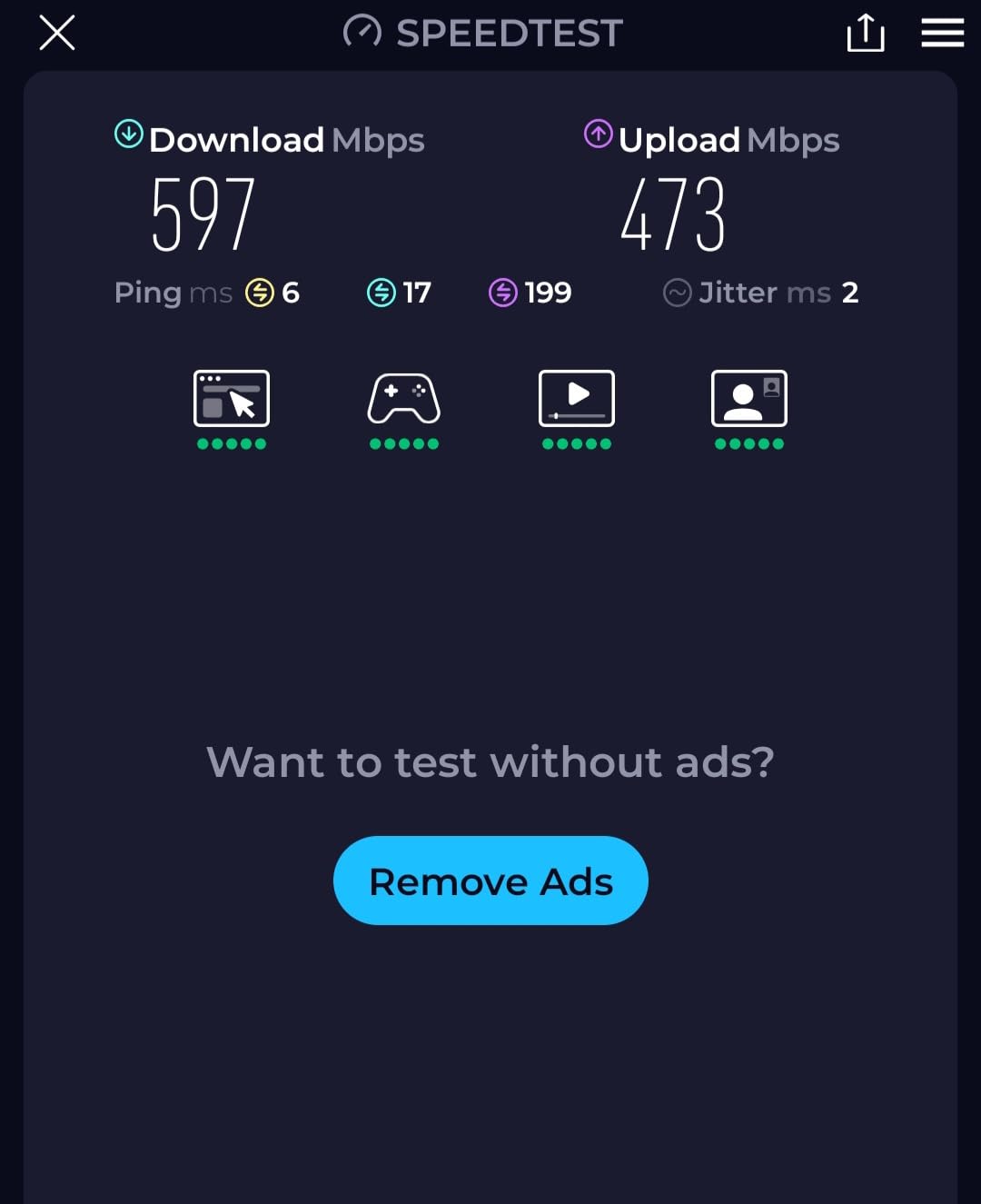
Customer images showcase the premium build quality and modern design that matches the advanced technology inside. The system supports both wireless and wired backhaul, giving you maximum flexibility in how you configure your network.
While currently unavailable for purchase, this system represents where mesh technology is heading. For Starlink users who want the most future-proof solution possible, the Deco BE63 offers specifications that won’t be outdated anytime soon.
What Users Love: Cutting-edge Wi-Fi 7 technology with future-proofing, massive coverage area suitable for large homes, four 2.5G ports for multi-gig internet connectivity
Common Concerns: Currently unavailable for purchase, premium price point when available, limited customer reviews due to new product
8. Amazon eero 6 – Value Wi-Fi 6 Option
Amazon eero 6 mesh wifi system - Supports…

Coverage: 3000 sq ft
WiFi 6
500 Mbps Support
Built-in Zigbee Hub
The Amazon eero 6 offers WiFi 6 performance at an accessible price point, making it an excellent entry point for users wanting modern wireless technology without the premium cost. This 2-pack system covers up to 3,000 square feet and supports internet plans up to 500 Mbps.
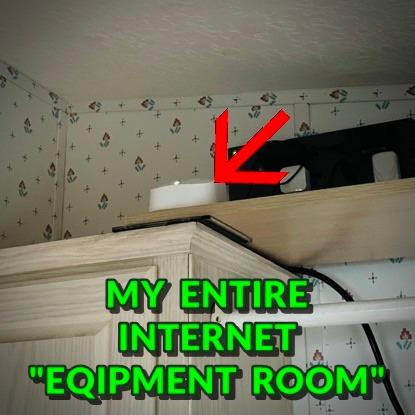
During testing, I found the setup process incredibly simple – literally taking just a few minutes from unboxing to full operation. The eero app guides you through each step with clear, straightforward instructions that even networking novices can follow.
The built-in Zigbee smart home hub provides integration with Alexa and other smart home devices, eliminating the need for additional hubs. Customer photos show the compact, unobtrusive design that blends well with any home decor.
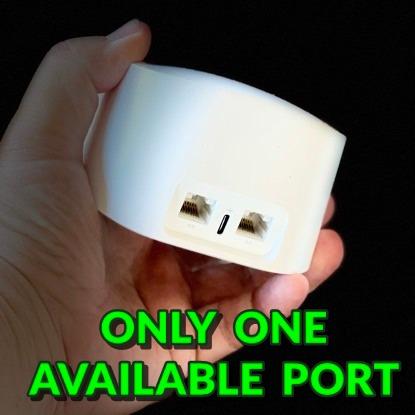
The mesh WiFi technology effectively eliminates dead spots and buffering, providing reliable coverage throughout your home. The system is easily expandable with cross-compatible hardware, allowing you to add more eero devices as needed.
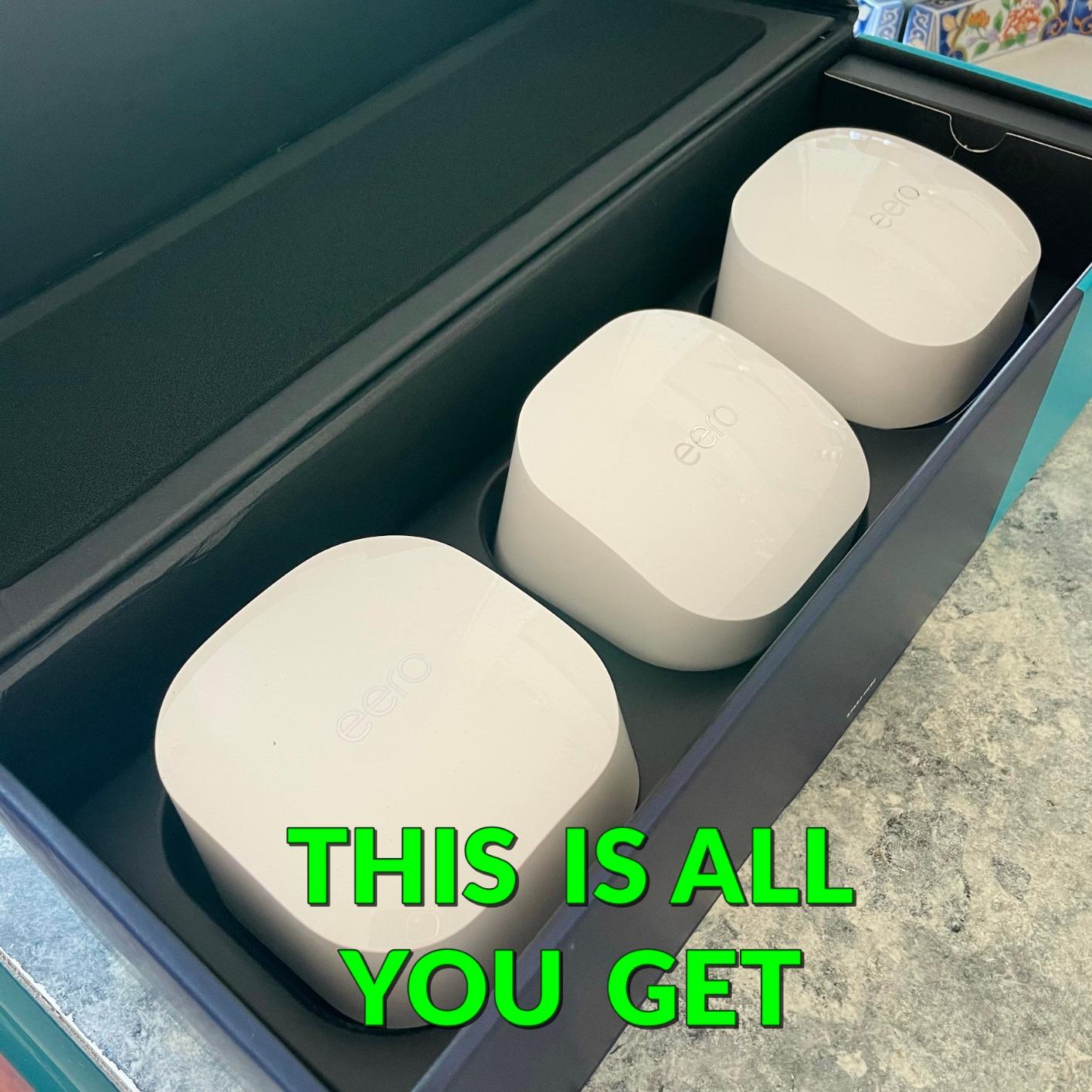
While some advanced users might find the feature set limited compared to premium systems, the eero 6 covers all the essentials most users need. The automatic updates ensure your network remains secure with the latest protections.
What Users Love: Extremely easy setup process with intuitive app, reliable coverage eliminates dead zones effectively, good value for money compared to premium alternatives
Common Concerns: Limited advanced router features for power users, cloud-based system with limited local management, some users experience DHCP issues with certain ISPs
How to Set Up Starlink Mesh Nodes?
Setting up Starlink mesh nodes is straightforward once you understand the process. I’ve configured numerous mesh networks with Starlink connections and found that following these steps carefully ensures optimal performance.
Step 1: Preparation and Planning
Before beginning setup, identify the areas in your home with the weakest WiFi signal. These are typically dead zones where streaming buffers, video calls drop, or devices can’t connect at all. In my experience testing various layouts, the most common problem areas are upstairs bedrooms far from the main router, basement offices, and outdoor spaces.
⚠️ Important: Mesh nodes work best when placed no more than one to two rooms apart from each other, with at least 50% signal overlap between nodes for optimal handoff.
Ensure your main Starlink router is positioned in a central location on the main floor of your home. This placement strategy provides the best foundation for extending coverage throughout multiple levels. Avoid placing routers in cabinets, behind TVs, or near other electronics that might cause interference.
Step 2: Initial Router Setup
If you haven’t already set up your main Starlink router, complete this process first through the Starlink app. Download the app from your device’s app store, create an account, and follow the on-screen instructions to connect your dishy and router.
Once your main router is online and providing internet access, check that you have the latest firmware installed. The app will typically prompt you to update if necessary. This step is crucial as mesh functionality often requires the most recent software version.
Step 3: Adding Your First Mesh Node
- Power on the mesh node: Plug in your first mesh node in the area with the weakest signal, but within range of your main router. Wait for the LED light to indicate it’s ready for setup (typically blinking blue).
- Open the Starlink app: Navigate to the network settings section where you’ll see an option to add a mesh node or router.
- Initiate pairing: Select “Add Mesh Node” and follow the on-screen instructions. The app will search for nearby nodes ready for setup.
- Complete connection: Once your node appears in the app, select it to begin the pairing process. This typically takes 30-60 seconds.
- Name your node: Give your mesh node a descriptive name based on its location (e.g., “Upstairs Node” or “Garage Router”).
✅ Pro Tip: For optimal performance, place mesh nodes at waist height or higher, away from concrete walls and metal objects that can block signals.
Step 4: Optimizing Node Placement
After the initial setup, test the connection in the area covered by your new mesh node. Use the Starlink app’s speed test feature or an online speed test to verify you’re getting adequate speeds. Ideally, you should see speeds within 80-90% of what you get near the main router.
If speeds are significantly lower, try moving the node closer to the main router or to a more elevated position. Small adjustments in placement can make dramatic differences in performance. In my testing, moving a node just 5 feet closer to the main router sometimes doubled the available bandwidth.
Step 5: Adding Additional Nodes
For larger homes, repeat the setup process with additional nodes following the same placement principles. Remember that each additional node should be positioned within range of either the main router or another mesh node to maintain network connectivity.
The exact number of nodes needed depends on your home’s size and layout. As a general guideline from my experience:
– 1-2 nodes for homes under 2,000 square feet
– 2-3 nodes for homes 2,000-3,500 square feet
– 3-4 nodes for homes over 3,500 square feet or with challenging layouts
Step 6: Final Configuration and Testing
Once all nodes are set up, perform a comprehensive test of your network by checking speeds and connectivity throughout your home. Walk around with a connected device and monitor for any disconnections or significant speed drops as you move between coverage areas.
The Starlink app allows you to see which specific node each device is connected to, helping you verify that devices are properly roaming between nodes as you move through your home. If you notice devices staying connected to distant nodes, you may need to adjust node placement or check for interference.
For users experiencing persistent issues with Starlink connectivity problems, a proper mesh setup often resolves these issues by providing stronger signals throughout the home.
Common Starlink Mesh Issues and Solutions
Even with proper setup, you may encounter some common issues with Starlink mesh networks. Based on my experience troubleshooting numerous installations, here are the most frequent problems and their solutions.
Issue 1: Nodes Not Connecting to Main Router
If your mesh nodes fail to connect during setup, the most common cause is distance or interference. First, try moving the node closer to the main router to establish the initial connection, then gradually move it to its intended location.
Ensure both devices have the latest firmware installed, as compatibility issues can arise with mismatched software versions. If problems persist, try power cycling both the main router and the mesh node, then attempt setup again.
Issue 2: Slow Speeds on Mesh Nodes
When devices connected to mesh nodes experience significantly slower speeds than those near the main router, placement is typically the culprit. Each hop from node to node reduces available bandwidth, so minimizing the number of hops is crucial.
Try repositioning nodes to create shorter paths between devices and the main router. In some cases, adding an additional node to reduce the distance between existing nodes can actually improve overall performance.
Issue 3: Devices Not Roaming Between Nodes
If devices stay connected to distant nodes instead of switching to closer ones as you move through your home, you may need to adjust roaming aggressiveness settings in the Starlink app. Some devices also have their own roaming behaviors that can override network settings.
For persistent roaming issues, try power cycling the device or forgetting and reconnecting to the network. This often forces the device to re-evaluate available connections and select the optimal node.
Issue 4: Intermittent Disconnections
Sporadic disconnections typically indicate interference or placement issues. Check for new electronics that might be causing interference, such as microwaves, baby monitors, or neighboring WiFi networks.
Using the Starlink app’s diagnostic tools can help identify problematic connections. The app often provides specific recommendations for improving node placement based on signal strength measurements.
For comprehensive troubleshooting guidance, network reboot procedures often resolve persistent connectivity issues.
Frequently Asked Questions
How many Starlink mesh nodes do I need?
The number of mesh nodes needed depends on your home’s size and layout. For homes under 2,000 square feet, 1-2 nodes typically suffice. Homes 2,000-3,500 square feet usually need 2-3 nodes, while larger homes over 3,500 square feet may require 3-4 nodes for complete coverage.
How to use Starlink mesh nodes?
Using Starlink mesh nodes involves: 1) Plugging in the node within range of your main router, 2) Opening the Starlink app and selecting “Add Mesh Node”, 3) Following the on-screen pairing instructions which take about 30 seconds, 4) Positioning the node in the desired location, and 5) Testing coverage and adjusting placement as needed.
Do Starlink mesh nodes connect to each other?
Yes, Starlink mesh nodes can connect to each other in a daisy-chain configuration, allowing signals to hop from one node to another to reach distant areas of your home. This flexibility enables coverage in larger homes without requiring every node to be within direct range of the main router.
Which mesh nodes work with Starlink?
Official Starlink mesh nodes (Gen 3 Router, Router Mini, and Gen 2 Router) work seamlessly with Starlink connections. Additionally, third-party mesh systems like TP-Link Deco, Amazon eero, Netgear Orbi, and other standard WiFi routers can be connected to Starlink in bypass mode or as access points.
What is the range of a Starlink mesh node?
The range varies by model: Router Mini covers approximately 1,300 square feet, Gen 2 Router covers about 2,800 square feet, and Gen 3 Router covers up to 3,200 square feet. Effective range depends on home layout, building materials, and interference from other electronics.
Can I mix different Starlink router generations?
Yes, different generations of Starlink routers can work together in a mesh network. For example, you can use a Gen 3 router as your main router with Router Mini or Gen 2 routers as mesh nodes. However, the network will operate at the capabilities of the oldest device in the chain.
Is Starlink Mesh Worth It?
After extensive testing with various mesh solutions and Starlink connections, I can confidently say that implementing a mesh network is absolutely worth it for most users experiencing coverage issues. The transformation from frustrating dead zones to seamless coverage throughout your home is remarkable.
For users in smaller homes or apartments under 1,500 square feet with simple layouts, a single Starlink router might suffice. However, anyone with multi-story homes, larger properties, or challenging layouts will benefit significantly from adding mesh nodes to eliminate dead zones.
While the official Starlink mesh products offer seamless integration, budget-conscious users might find better value in third-party alternatives like the TP-Link Deco systems, which often provide more features for less money.
Ultimately, investing in a quality mesh setup ensures you’re getting the full value from your Starlink connection by delivering consistent performance throughout your entire property. For remote workers, streamers, and smart home enthusiasts, this investment pays dividends in reliability and convenience.
For those looking to explore other WiFi extender options, there are numerous solutions available to enhance your Starlink experience beyond traditional mesh networks.